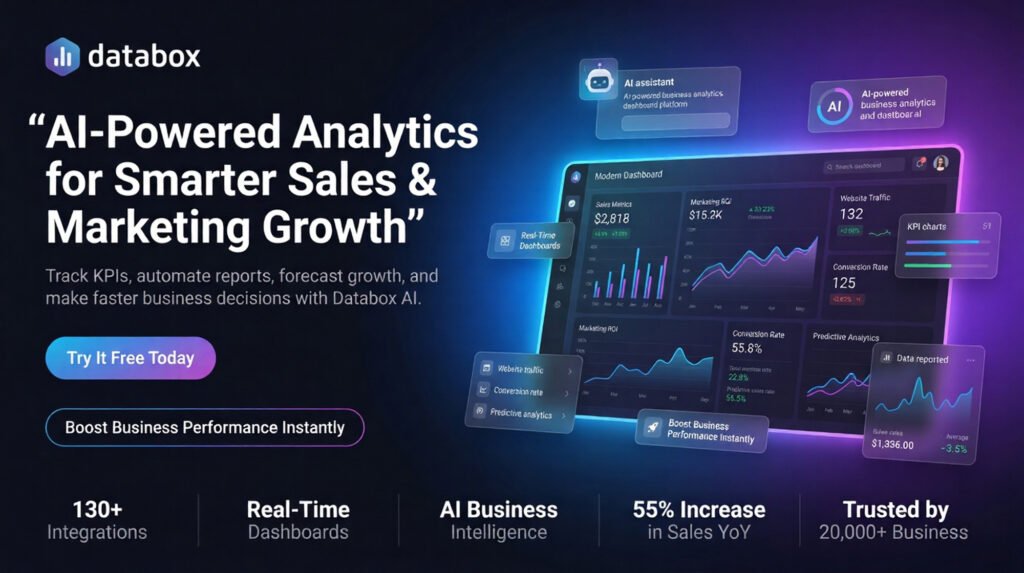
In today’s competitive digital landscape, businesses can no longer rely on guesswork. Whether you’re running paid ads, managing sales pipelines, or tracking marketing ROI, you need real-time insights that actually help you make decisions faster.
That’s where Databox comes in — an AI-powered analytics and business intelligence platform designed for modern sales and marketing teams.
If you’re looking for a smarter way to increase conversions, improve reporting, track KPIs, and scale revenue growth, this guide will show you why Databox is becoming the go-to analytics solution for over 20,000 businesses worldwide.
What Is Databox?
Databox is an all-in-one AI analytics and performance management platform that helps businesses:
- Track sales and marketing KPIs
- Build real-time dashboards
- Generate automated reports
- Forecast future performance
- Monitor goals & OKRs
- Connect 130+ business tools
- Analyze data using AI
Unlike traditional BI tools that require technical expertise, Databox allows teams to ask questions in plain English and receive instant answers using its AI Analyst called Genie.
Why Businesses Are Switching to AI Analytics
Traditional reporting systems are slow, manual, and difficult for non-technical teams.
Modern companies need:
✅ Faster reporting
✅ Smarter decisions
✅ Real-time data visibility
✅ AI-driven insights
✅ Centralized performance tracking
This is exactly what Databox delivers.
According to customer data shared by Databox:
- Businesses saw a 55% increase in sales YoY
- Reporting costs dropped by 50%
- Teams reduced reporting time by 60%
These numbers make Databox one of the most powerful analytics solutions for scaling businesses.
Top Features of Databox
1. AI Analyst – “Genie”
The standout feature of Databox is Genie, an AI-powered analytics assistant.
You can simply ask questions like:
- “Why did conversions drop last week?”
- “Which campaign generated the highest ROI?”
- “Build a sales dashboard for Q2 performance.”
Genie instantly analyzes your connected business data and provides actionable insights.
Benefits:
- Saves hours of manual analysis
- Helps non-analysts understand data
- Improves decision-making speed
- Generates dashboards automatically
2. Real-Time Dashboards
Databox offers highly customizable dashboards with drag-and-drop functionality.
You can monitor:
- Website traffic
- Ad campaign performance
- Sales pipeline metrics
- Revenue growth
- Customer acquisition costs
- Social media performance
The dashboards are visually clean, mobile-friendly, and easy to share with teams or clients.
3. Automated Reporting
Stop wasting time building reports manually every week.
Databox automates:
- Marketing reports
- Sales summaries
- Executive performance reports
- KPI tracking reports
Reports can be shared via:
- Live dashboards
- Scheduled updates
This makes it perfect for agencies, consultants, and growing businesses.
4. KPI & Metrics Tracking
One of the biggest reasons companies buy Databox is its ability to centralize KPIs from multiple platforms.
Track metrics from:
- Google Analytics
- HubSpot
- Shopify
- Facebook Ads
- CRM systems
- Spreadsheets
- APIs
Everything appears in one unified dashboard.
5. Goals & OKRs Management
Businesses grow faster when teams stay aligned.
Databox helps you:
- Set measurable goals
- Monitor OKRs
- Track team progress
- Identify performance gaps
- Improve accountability
This feature is especially valuable for startups, SaaS companies, and marketing agencies.
6. Predictive Forecasting
Using machine learning, Databox helps businesses forecast:
- Revenue growth
- Traffic trends
- Sales targets
- Marketing performance
This allows teams to plan proactively instead of reacting after problems occur.
Why Sales Teams Love Databox
Sales teams rely on accurate data to close more deals.
Databox helps sales professionals:
- Monitor pipelines in real time
- Track revenue goals
- Analyze lead quality
- Improve conversion rates
- Identify high-performing channels
Instead of opening multiple tools, reps can access everything in one place.
Best for:
- SaaS sales teams
- B2B companies
- Agencies
- Consultants
- Startups
Why Marketing Teams Buy Databox
Marketing teams need visibility across every campaign.
Databox helps marketers:
- Track ROI
- Monitor ad spend
- Compare campaign performance
- Optimize funnels
- Measure content performance
- Improve attribution tracking
With AI insights, marketers can instantly discover:
- Which channels drive revenue
- Why traffic changes happen
- Which campaigns underperform
130+ Integrations Make Setup Easy
One major advantage of Databox is its massive integration ecosystem.
Popular integrations include:
- Google Analytics
- HubSpot
- Facebook Ads
- Google Ads
- Shopify
- Salesforce
- LinkedIn Ads
- Stripe
- Mailchimp
- SQL databases
No complicated coding required.
Most integrations work with one-click setup.
Databox vs Traditional BI Tools
Compared to tools like Tableau or Power BI, Databox focuses on simplicity and speed.
| Feature | Databox | Traditional BI |
|---|---|---|
| AI Analytics | ✅ | Limited |
| Easy Setup | ✅ | Complex |
| No-Code Dashboards | ✅ | Technical |
| Automated Reports | ✅ | Manual setup |
| Goal Tracking | ✅ | Often missing |
| Fast Team Adoption | ✅ | Slower |
Databox is ideal for companies that want business intelligence without needing a dedicated data engineering team.
How Databox Helps Increase Revenue
Businesses using Databox can:
- Identify profitable campaigns faster
- Eliminate wasted ad spend
- Improve sales forecasting
- Align teams around KPIs
- React to performance changes instantly
This leads to:
✔ Better decision-making
✔ Higher marketing ROI
✔ Faster scaling
✔ Increased sales growth
Databox Pricing & Free Plan
One of the best parts about Databox is that it offers a free-forever plan.
You can:
- Try dashboards
- Connect data sources
- Explore AI analytics
- Build KPI reports
before upgrading.
This makes it a low-risk solution for businesses wanting to improve reporting and analytics.
👉 Start your free trial here:
Try Databox Free
Who Should Buy Databox?
Databox is perfect for:
Small Businesses
Need simple reporting without hiring analysts.
Marketing Agencies
Want automated client dashboards and reports.
SaaS Companies
Need KPI monitoring and forecasting.
Sales Teams
Want real-time pipeline visibility.
Executives
Need high-level performance insights instantly.
Best Use Cases for Databox
Sales Reporting
Track:
- Revenue
- Closed deals
- Lead conversion rates
- Pipeline velocity
Marketing Analytics
Monitor:
- CPC
- ROAS
- Organic traffic
- Campaign ROI
Executive Dashboards
Get a bird’s-eye view of company performance.
Client Reporting
Agencies can automate branded reports for clients.
Exclusive Coupon & Promotional Offers
Many users search for:
- Databox discount codes
- Databox promo offers
- Databox coupons
- Free trials
The best way to access current promotions is through the official website:
👉 Check Databox Pricing & Offers
Final Verdict: Is Databox Worth Buying?
If your business struggles with:
- Slow reporting
- Disconnected data
- Manual dashboards
- Lack of KPI visibility
- Delayed decision-making
then Databox is absolutely worth considering.
Its combination of:
- AI-powered analytics
- Automated reporting
- Real-time dashboards
- KPI tracking
- Goal management
- Predictive forecasting
makes it one of the best modern business intelligence platforms available today.
Whether you’re a marketer, sales manager, agency owner, or executive, Databox helps turn complex business data into clear, actionable answers.